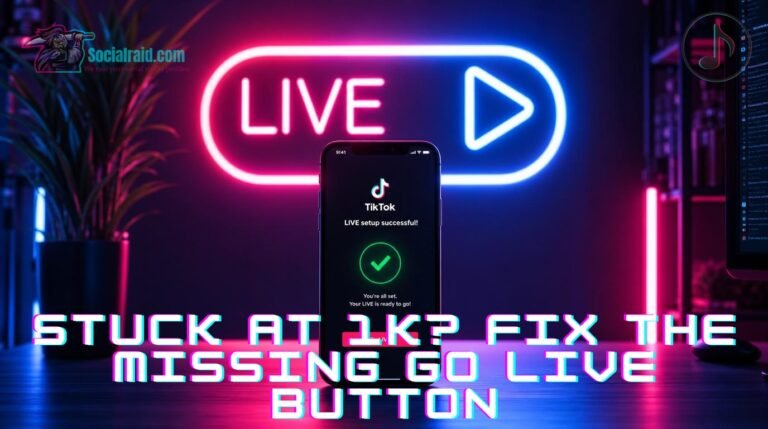
Look, let’s be real for a second. You are out there putting in the hours, pushing out videos constantly, and checking your phone analytics literally every few minutes just waiting on that magic metric. Then you finally cross it. But when you check your screen? The “Go Live” option is nowhere to be found.
It is incredibly annoying, to say the least. Most creators hunting for info on how to go live on tiktok think a high follower count automatically opens the door. It doesn’t. Crossing that 1K threshold is barely step one. If your actual goal is broadcasting straight to the FYP, cashing in on monetization, or unlocking the official tiktok live studio setup, you have some hidden compliance filters to clear first.
Why Can't I Go Live on TikTok with 1000 Followers?
It is easily the most annoying situation in the creator community: you look at your profile, you clearly see 1K+ fans, but you’re still locked out. If you are stuck wondering why can’t i go live on tiktok with 1000 followers, you need to audit your account health right now.
TikTok doesn’t just look at numbers; it runs a multi-layered check before giving you broadcasting privileges. First up is your age. It doesn’t matter how fast your profile is booming—you strictly must be at least 18 years old to host a stream and get virtual gifts. If you put a fake birth year when you first signed up, the system will hold you back, no matter your follower count.
Second, you have to look at your record. Have you received a tiktok community guidelines strike recently? Maybe for a copyrighted song, a sketchy comment, or running some weird automation? If your account has been flagged, TikTok will quietly delay or suspend your live access until your profile is fully cleared.
The Secret Backdoors: How to Go Live on TikTok Without Followers
Spend five minutes on any marketing forum and you’ll find endless threads explaining how to go live on tiktok without followers. Is it real, or just clickbait? Well, it’s actually possible, but it requires a couple of specific workarounds rather than a standard creator setup.
The TikTok Shop Route: If you register a legitimate TikTok Shop Seller account, the platform immediately activates live streaming on your profile so you can show off products. You don’t even need physical stock to set this up, and it completely bypasses the standard limits.
The Live Studio Application: Desktop streamers often look for ways how to go live on tiktok live studio without followers. Sometimes, if you apply directly through TikTok’s gaming portal or connect your account via an authorized streaming key in OBS, they will white-list your desktop access early.
But here is the catch. If you use these backdoors on a brand-new account with zero history, TikTok’s algorithm will heavily suppress your reach. You’ll essentially be streaming to an empty room, which defeats the whole purpose.
The Real Deal: If I Buy TikTok Followers, Can I Go Live?
Let’s talk about the shortcut everyone thinks about but rarely discusses openly: if i buy tiktok followers can i go live without ruining your account?
The short and honest answer is yes, you can—but it entirely depends on where those followers come from. TikTok’s security bots are constantly sweeping the platform for cheap, dead bot accounts. If you buy low-grade, empty profiles, they will get wiped out in a couple of days, leaving you with a shadowbanned account and a permanently locked live feature.
However, when you choose to buy tiktok followers to go live through high-authority, premium-tier networks, the algorithm sees genuine, stable account movements. This is how smart creators handle the grind. Instead of wasting six months shouting into a void hoping for a viral hit, you can safely order tiktok followers to tick that compliance box instantly.
Once our elite-tier network gets you past the 1,000 threshold, the platform automatically opens up your live features. As long as you’re of age and your account is clean, your live button turns on, giving you the floor to build a real, organic audience from day one.
The Tech Setup You Need for Mobile & PC Streaming
Once your account passes the basic policy checks, you have to make sure your hardware and software are actually ready for 2026 streaming standards:
Update Your App: It sounds basic, but old cached data on your phone can literally bug out the UI and hide the live option. Make sure your app is updated to the latest version.
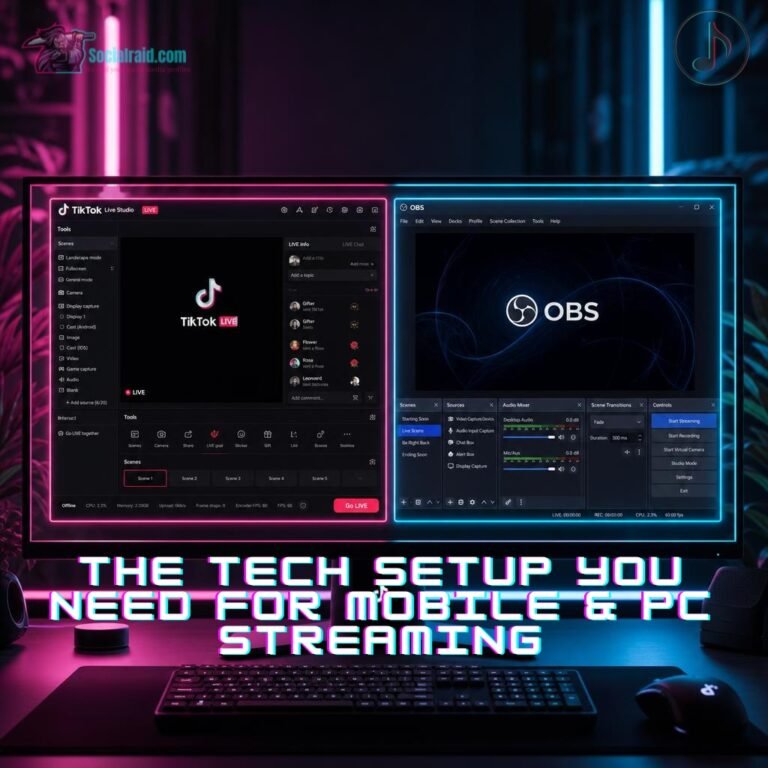
Stream Key Access: If you want to stream high-quality PC games through OBS or Streamlabs, you need an official stream key. TikTok usually unlocks this after you’ve built a small track record of clean mobile streams.
Hardware Benchmarks: Trying to run tiktok live studio on pc? The software will run a quick benchmark test on your computer to make sure your graphics card and internet connection can handle the stream without lagging their servers.
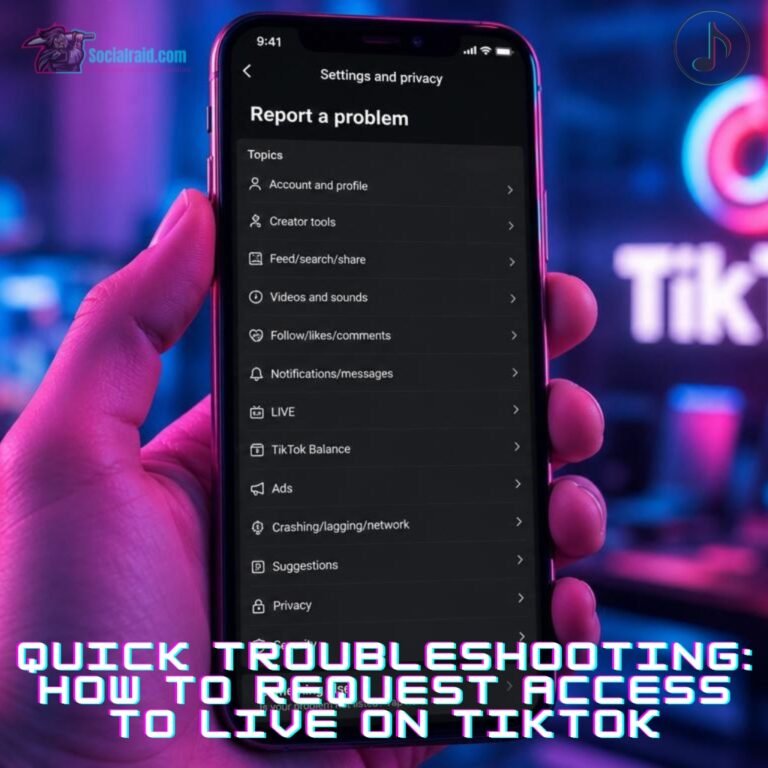
Quick Troubleshooting: How to Request Access to Live on TikTok
If you are 18+, your account is clean, you have over 1,000 followers, and that button is still missing, you need to force TikTok to manually review your profile. Follow this exact path to submit a ticket:
Go to your Profile and hit the three lines in the top right corner.
Tap Settings and Privacy, scroll down, and select Report a Problem.
Click on Live, then Hosting Live, and choose I can’t start a Live.
Where it asks “Is your problem resolved?”, hit No and then click Need more help.
Type this exactly: “My account meets all platform criteria, including age requirements and follower limits, but my streaming interface is not active. Please manually review and audit my profile status.”